YI Technology and Kami Home are committed to constantly improve our products’ performances. In order to ensure the best experience of YI or Kami cameras, it is crucial to ensure they are updated with the latest firmware version.
Here is how to check whether your camera is up to date:
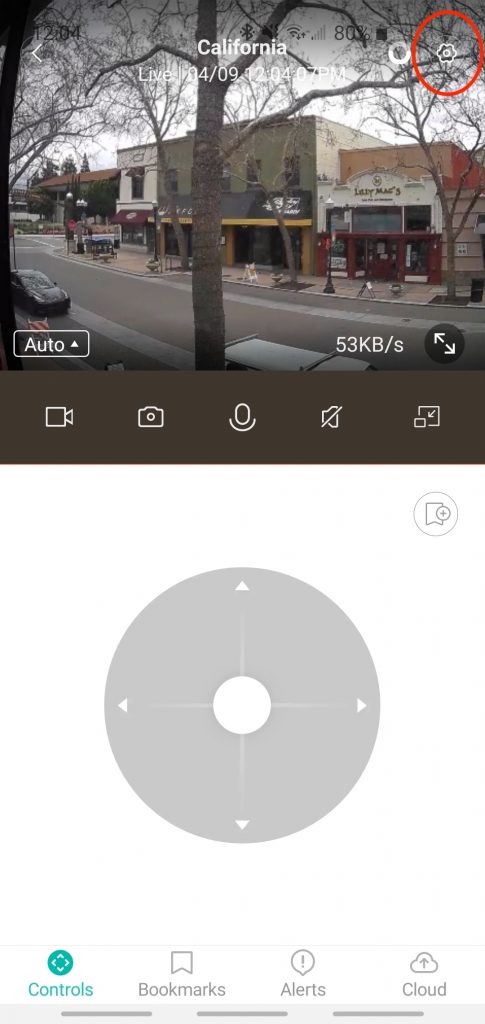
1. In the live camera view, go to camera settings in the upper right corner.
2. Choose camera settings.
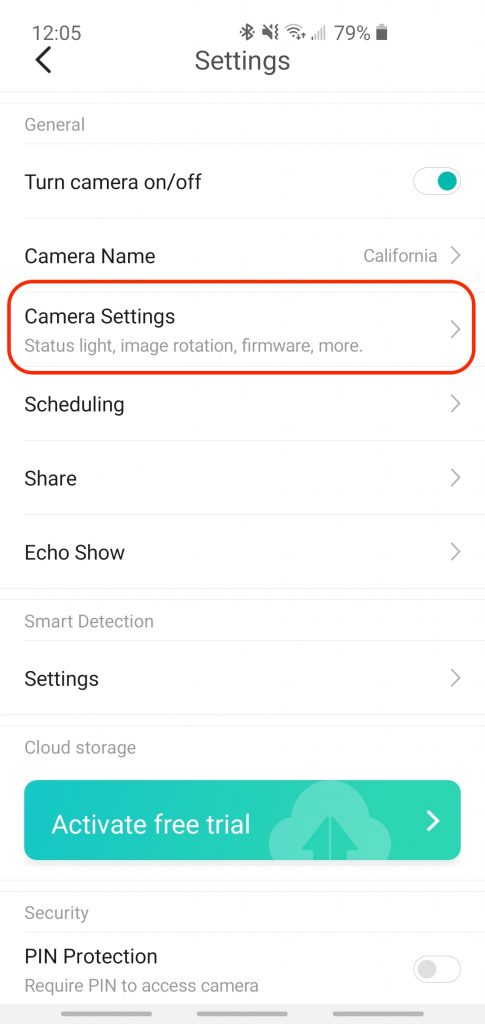
3. The firmware version is on the bottom. If the current firmware is up to date, the status will say ‘Up to Date’.
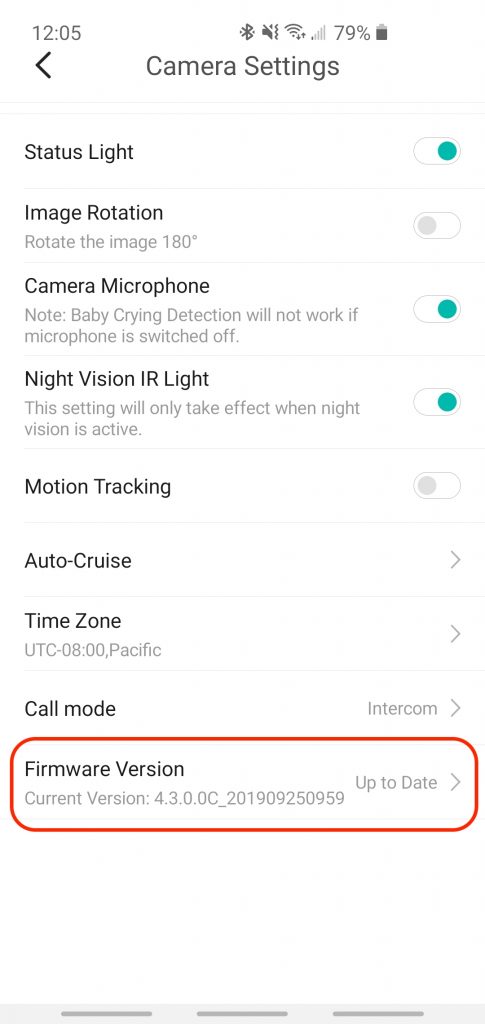
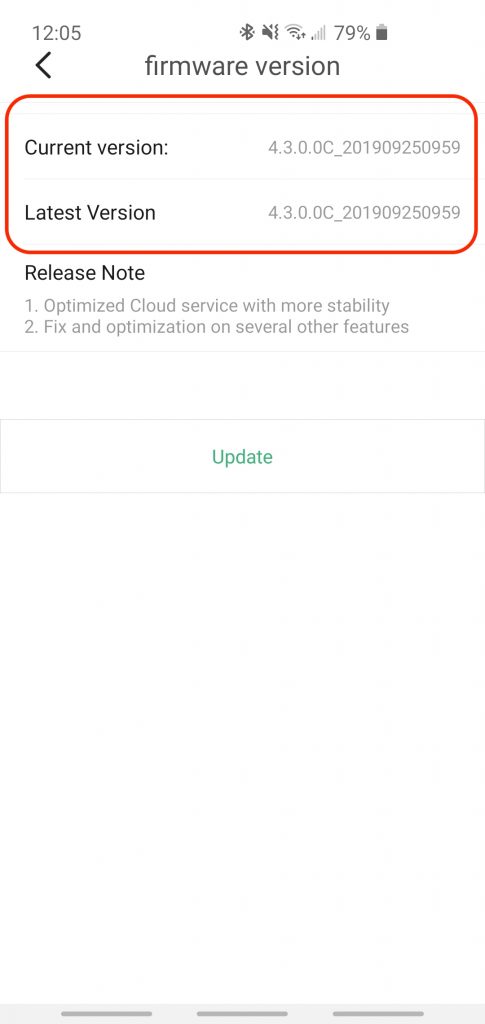
4. Additionally, you may click on the firmware version to see the details on the latest version and your current version.